> ## Documentation Index
> Fetch the complete documentation index at: https://docs.salescaptain.com/llms.txt
> Use this file to discover all available pages before exploring further.
> SalesCaptain makes it easy to handle inbound calls on your business numbers, whether you’re on desktop, mobile, or the web. Every incoming call follows your custom call flow, so customers always reach the right person or team without delays.
# Receiving Calls
## Incoming Call Routing
Call Flows let you decide exactly where an incoming call should go. For full setup instructions, check out our [Call Flows guide](/Core-Features/Calls/Call-Flows/Creating-Call-Flows).
You can choose from three main [routing ](/Core-Features/Calls/Call-Flows/After-Hours-Routing)options:
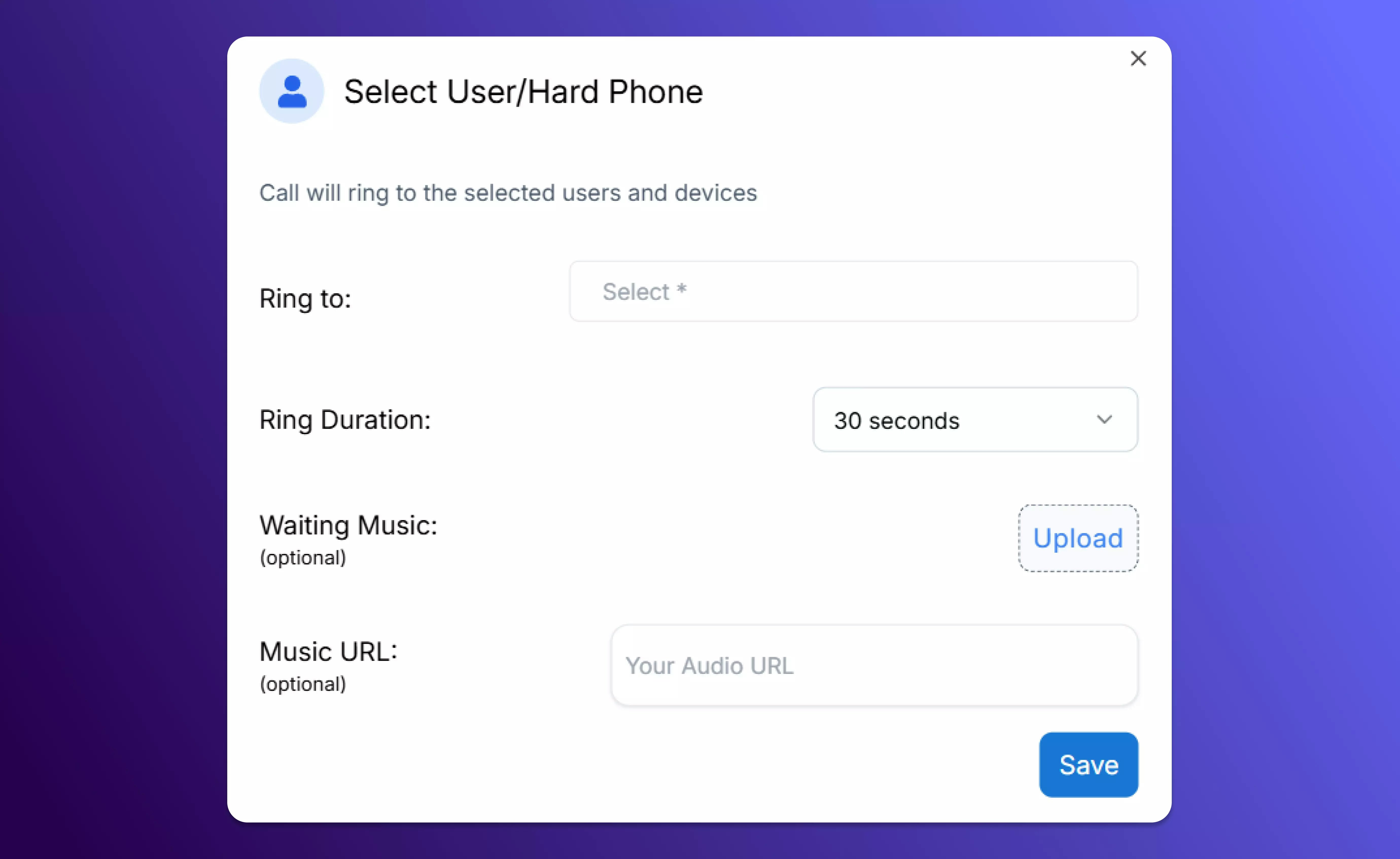
### Ring to User
* Send an incoming call directly to a specific team member inside SalesCaptain.
* If they have the desktop or mobile app, they’ll receive calls directed to them in real time.
 ### Ring to Team
* Alert all members of a designated team (such as Sales or Support) at once.
* Combine this with IVR menus or time rules to ensure new queries reach the right people quickly.
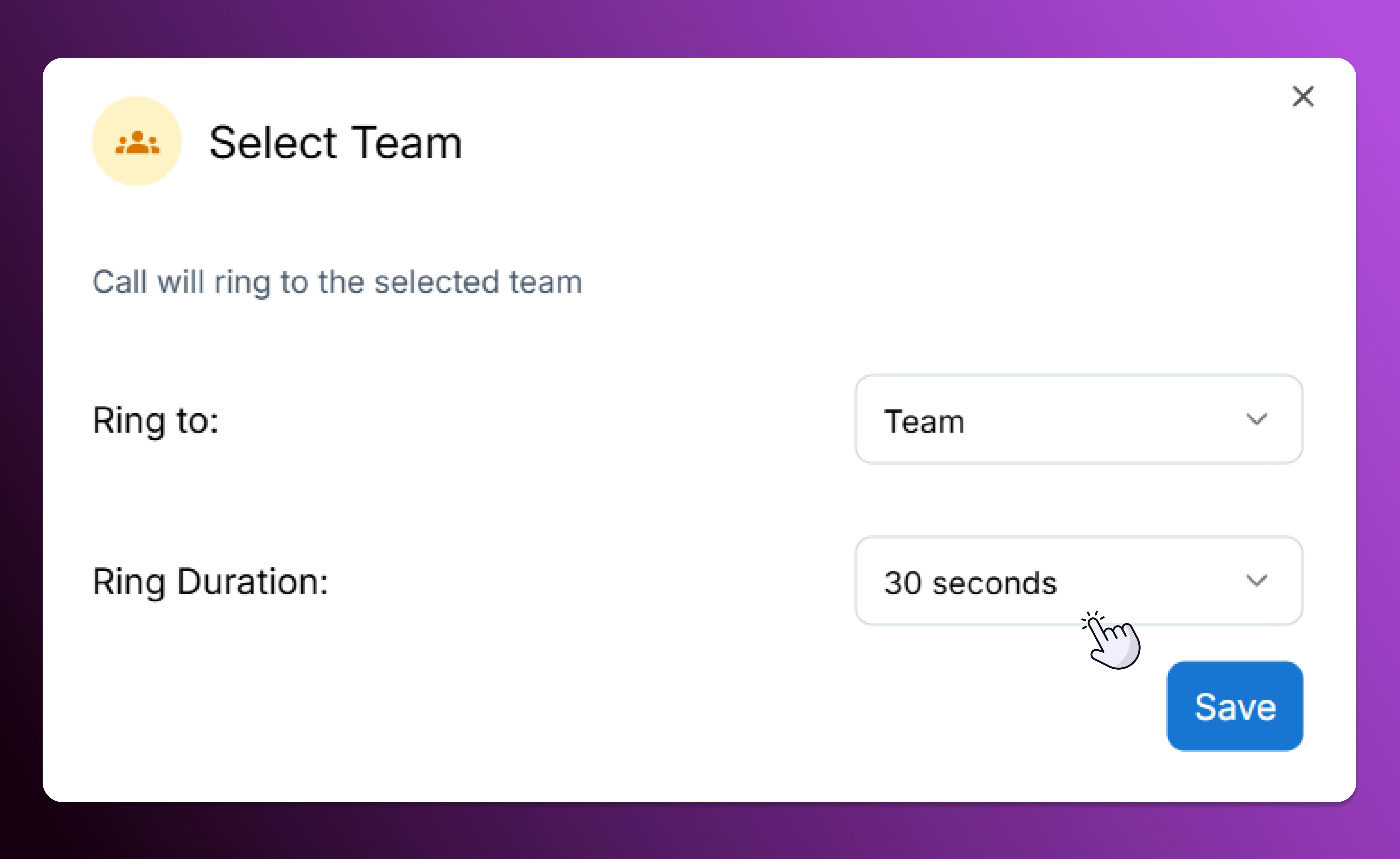
### Ring to Team
* Alert all members of a designated team (such as Sales or Support) at once.
* Combine this with IVR menus or time rules to ensure new queries reach the right people quickly.
 ### Forward
* Transfer an incoming call to any phone number (internal or external). Just enter the number you’d like to ring, even if it’s outside SalesCaptain.
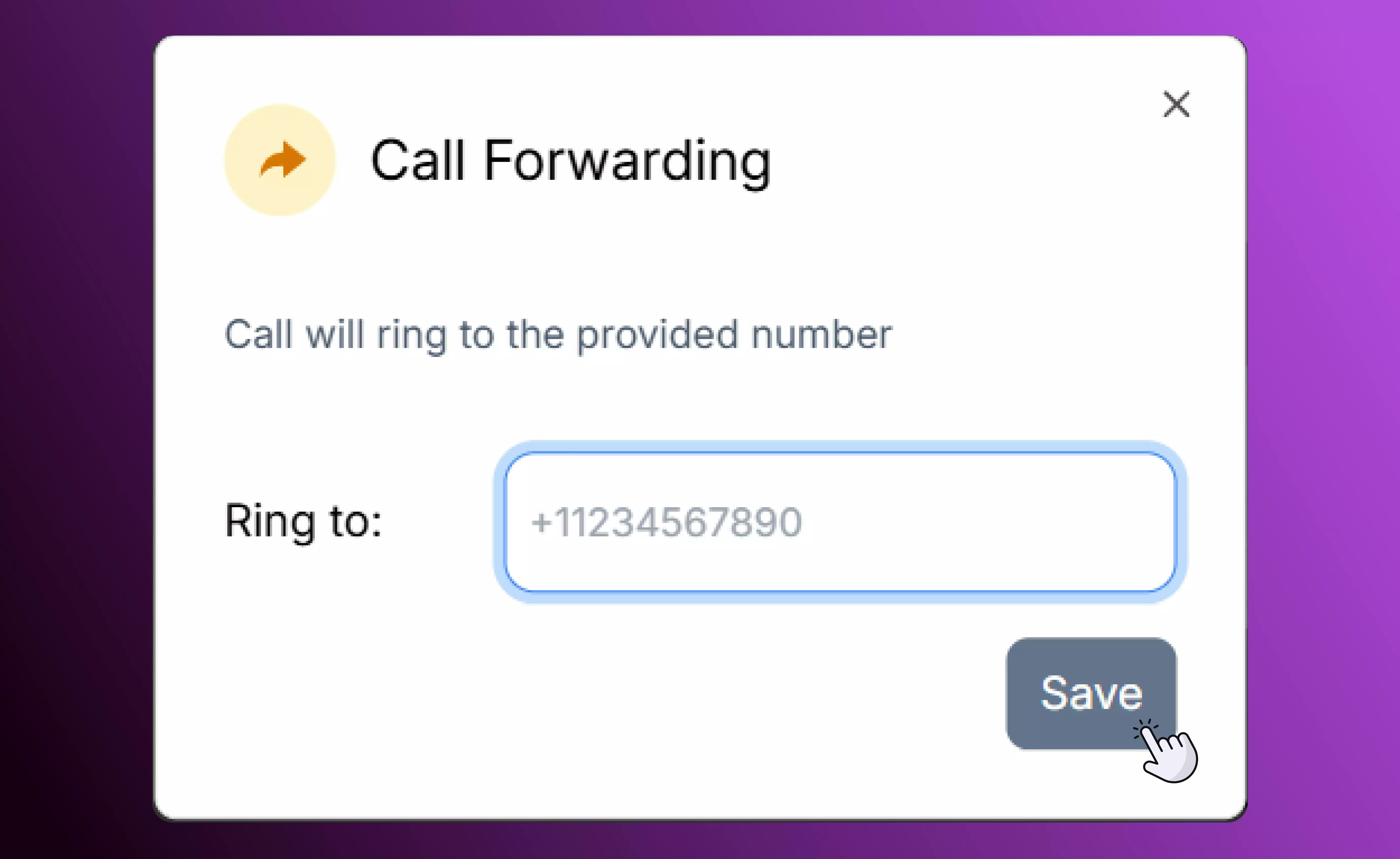
### Forward
* Transfer an incoming call to any phone number (internal or external). Just enter the number you’d like to ring, even if it’s outside SalesCaptain.
 ## Answering Calls
Calls ring simultaneously on all your connected devices.
### On Desktop or Web
Tap the incoming call notification to accept. Use the transfer icon to send the call to another user, group, or hardphone.
## Answering Calls
Calls ring simultaneously on all your connected devices.
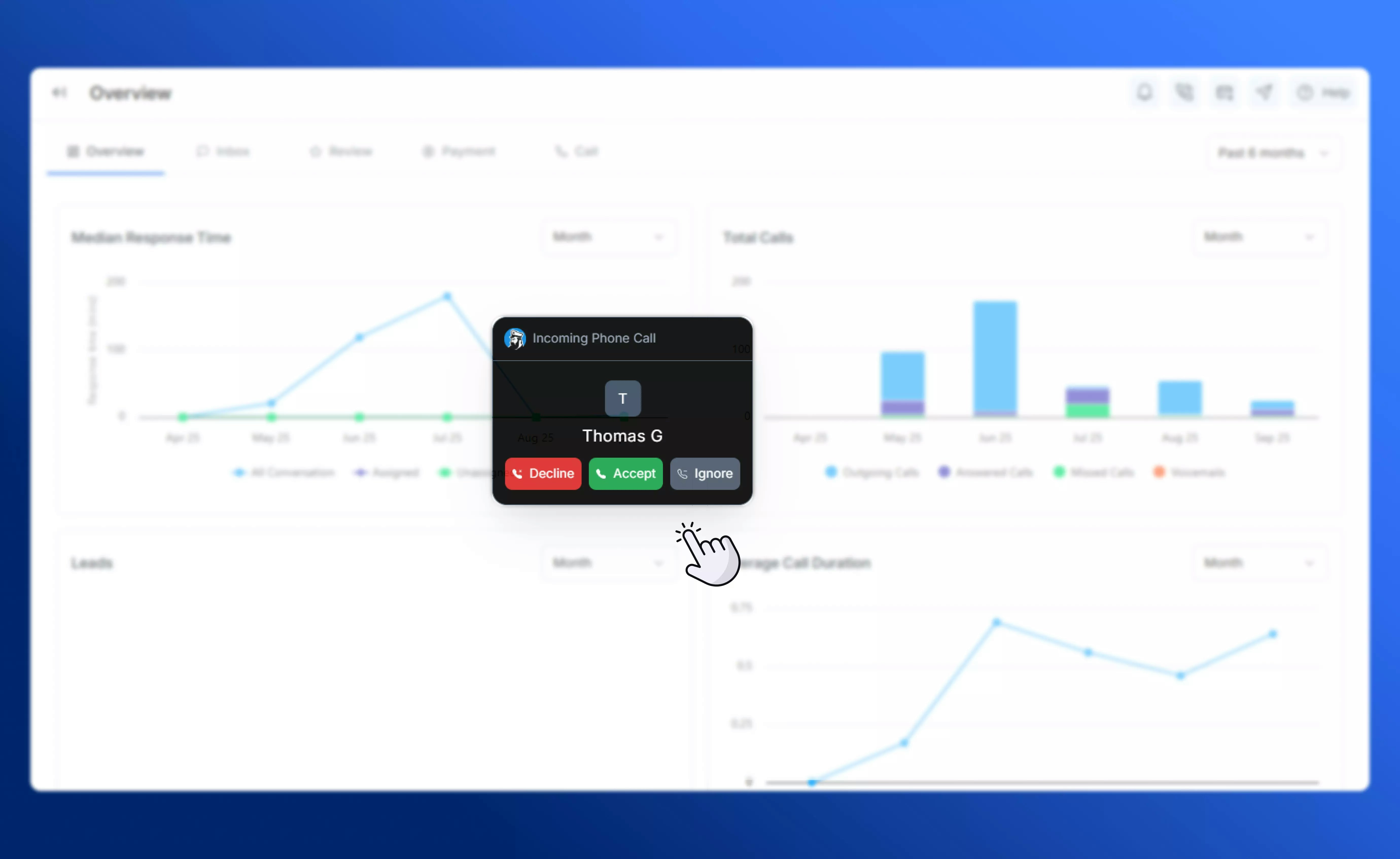
### On Desktop or Web
Tap the incoming call notification to accept. Use the transfer icon to send the call to another user, group, or hardphone.
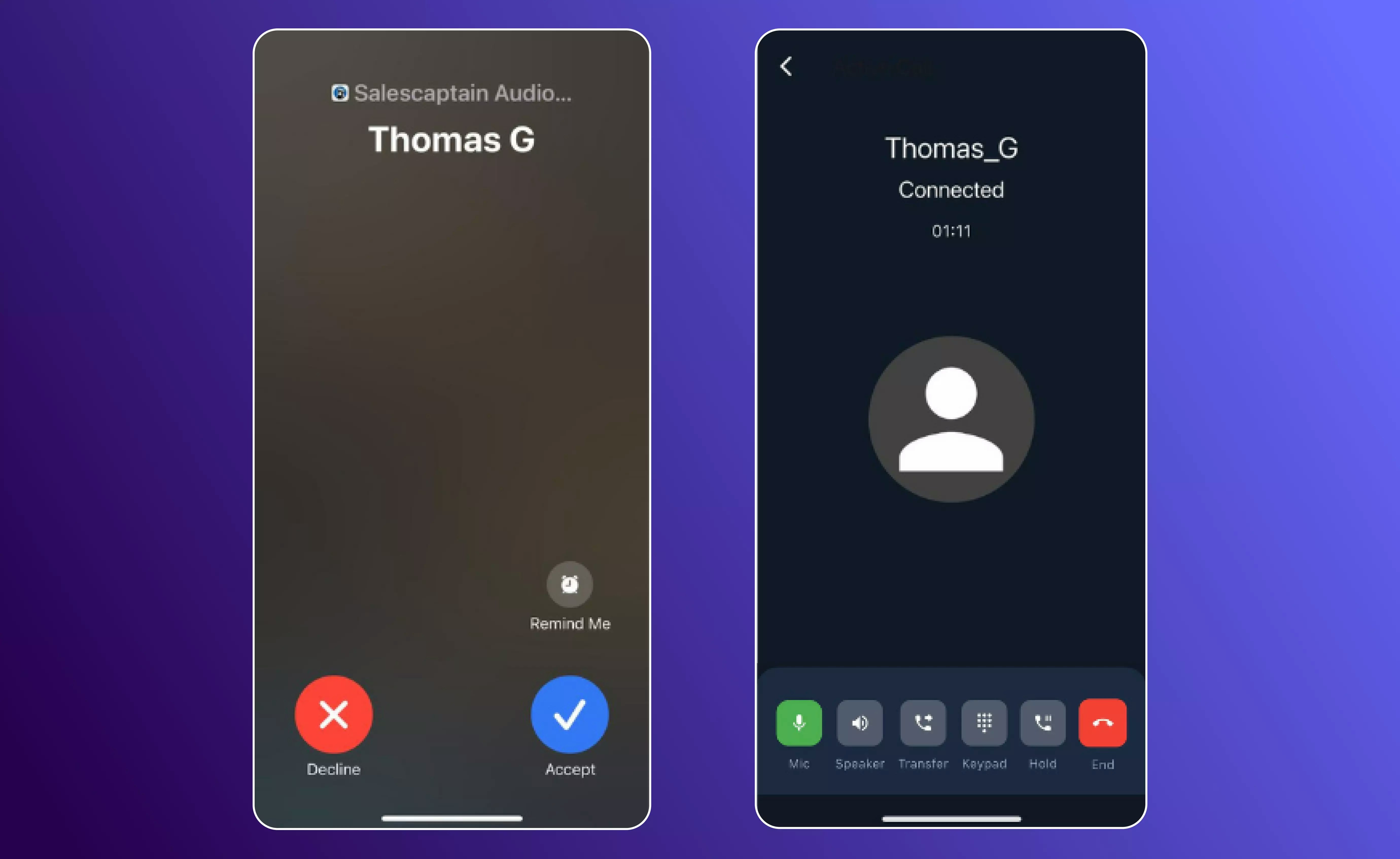
 ### On Mobile
Simply tap the incoming call notification to answer, or swipe if your device supports it.
### On Mobile
Simply tap the incoming call notification to answer, or swipe if your device supports it.
 ## Call Controls
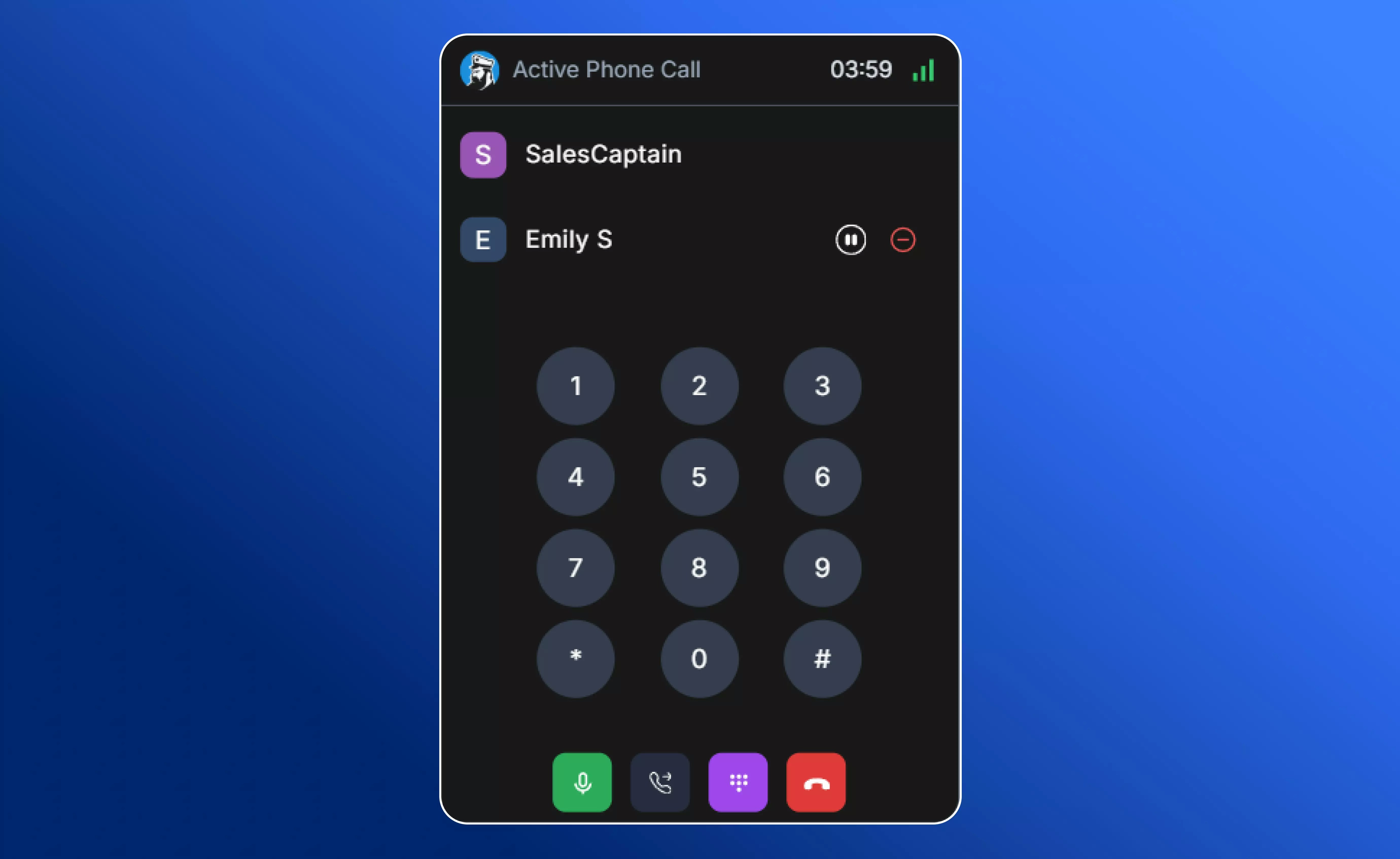
Once you’re on the line, SalesCaptain gives you full control over the call experience:
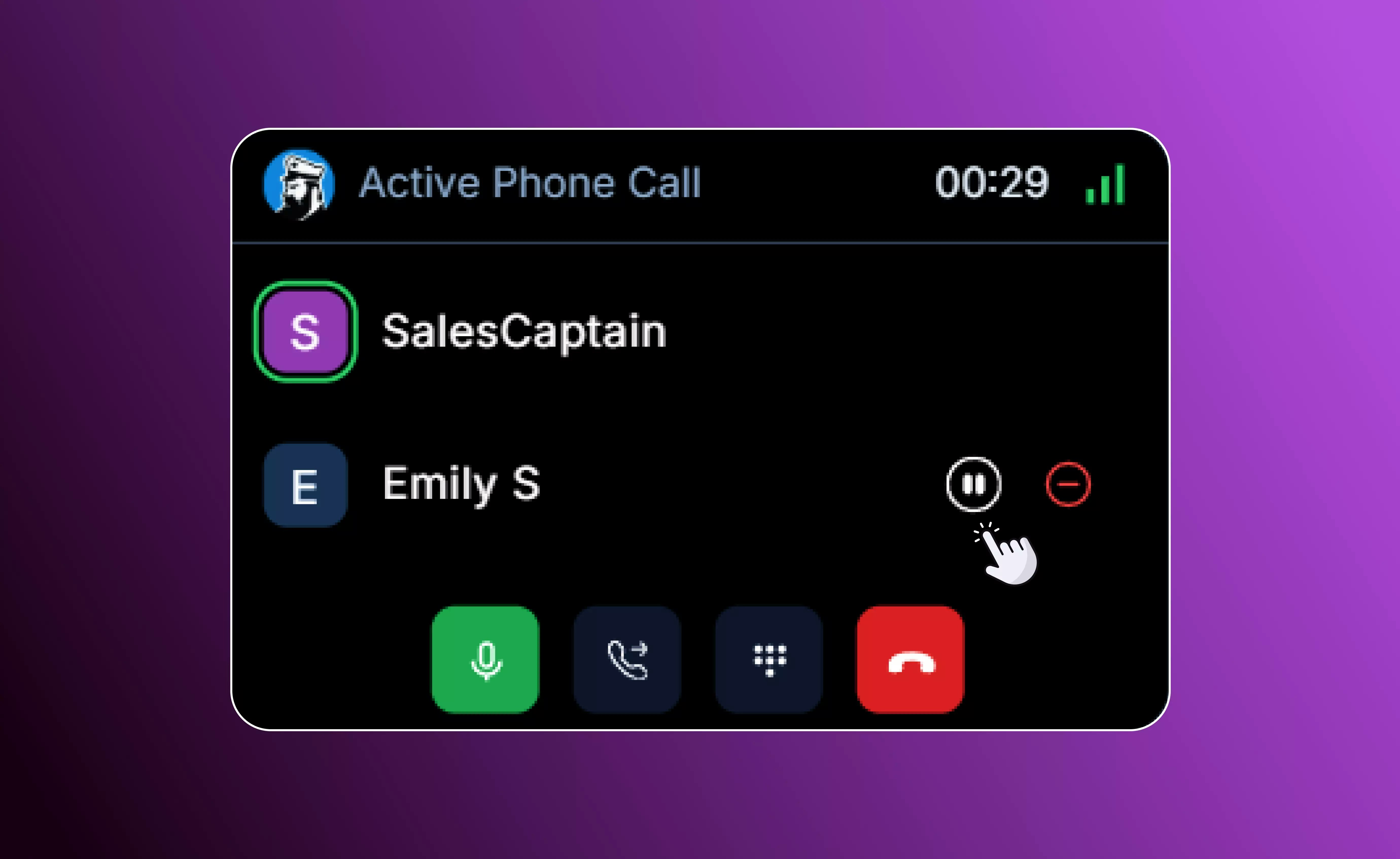
### Hold & Resume
Place participants on hold with a single click and resume when ready. Perfect for checking details or moving between calls.
## Call Controls
Once you’re on the line, SalesCaptain gives you full control over the call experience:
### Hold & Resume
Place participants on hold with a single click and resume when ready. Perfect for checking details or moving between calls.
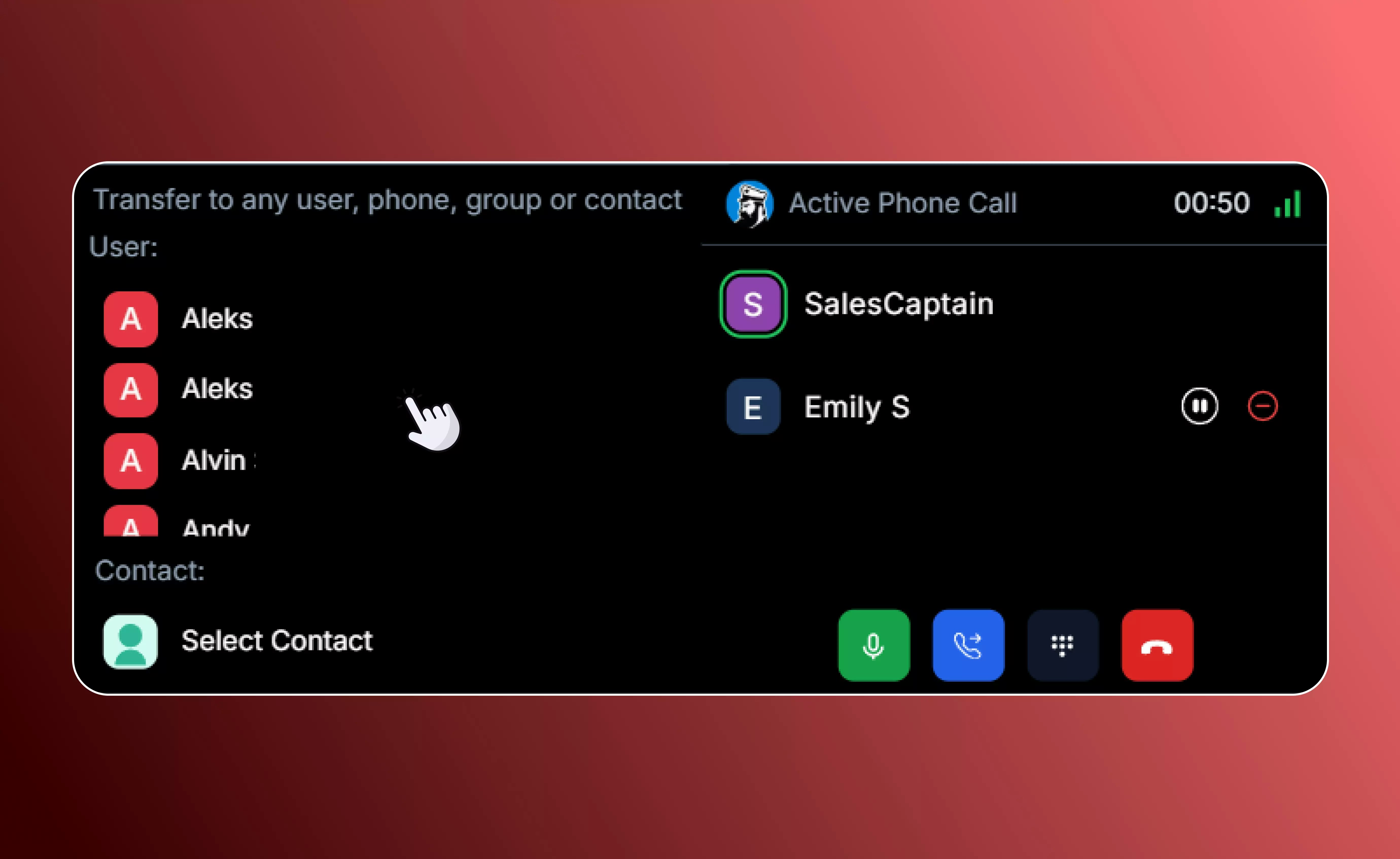
 ### Transfer Options
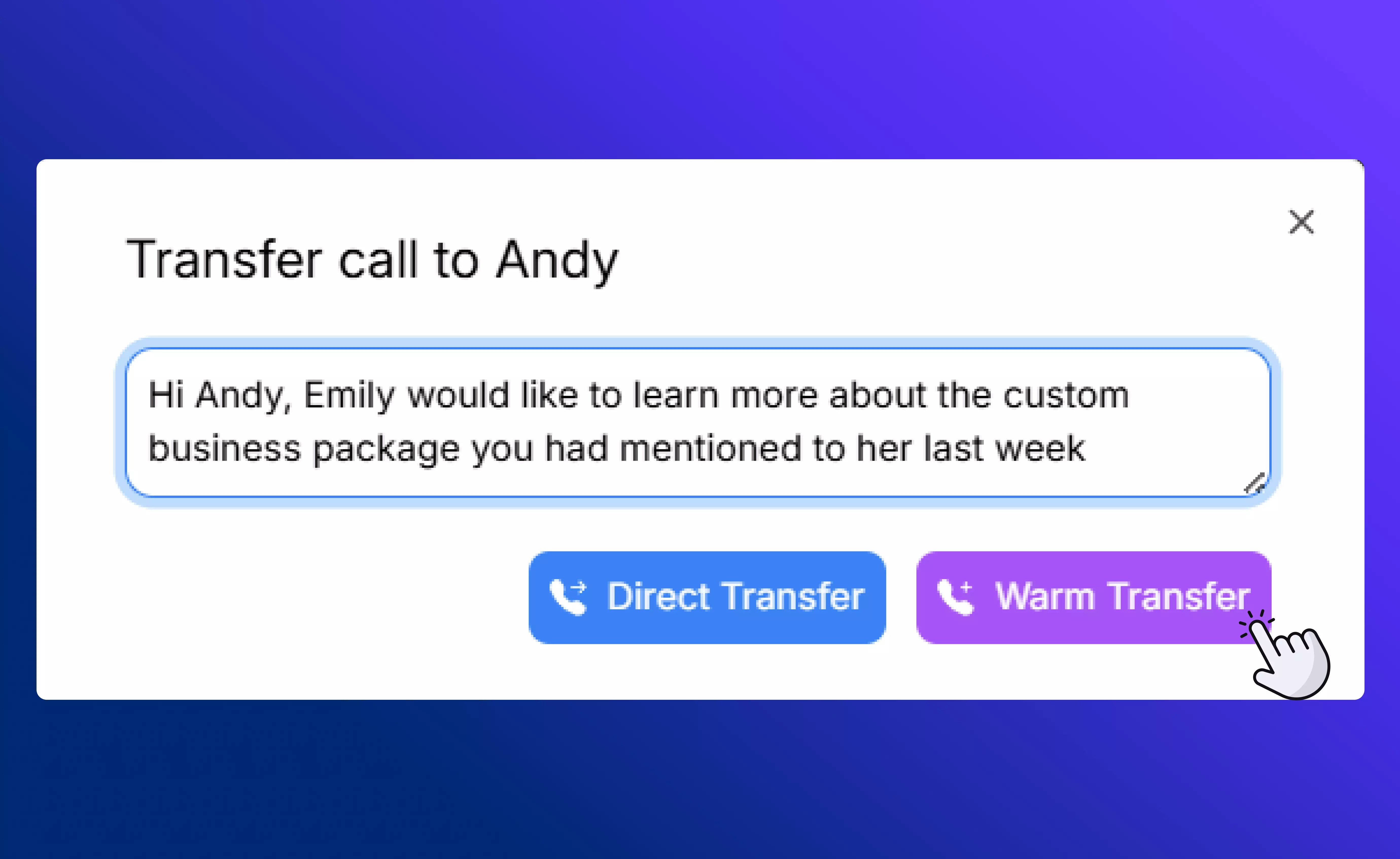
Move the call to another user, hardphone, group, or contact. Choose between a [**direct transfer**](Core-Features/Calls/Call-Transfers/Direct-Transfers) (send the call immediately) or a [**warm transfer**](Core-Features/Calls/Call-Transfers/Warm-Transfers) (speak to the recipient first).
### Transfer Options
Move the call to another user, hardphone, group, or contact. Choose between a [**direct transfer**](Core-Features/Calls/Call-Transfers/Direct-Transfers) (send the call immediately) or a [**warm transfer**](Core-Features/Calls/Call-Transfers/Warm-Transfers) (speak to the recipient first).
 You can even attach a quick message before transferring. Learn more about call transfers here.
 ### Keypad Access
Open the keypad to dial menu options or enter account numbers without leaving the call.
### Keypad Access
Open the keypad to dial menu options or enter account numbers without leaving the call.
 ### Coaching & Monitoring
If a teammate is on a call, you can join, coach privately, or monitor with real-time AI transcription — especially useful for onboarding or support escalation.
This expanded toolkit ensures you can manage calls seamlessly without juggling multiple apps or devices.
## If You Miss a Call
Even when you’re unavailable, SalesCaptain keeps you covered:
* [**After-hours routing**](https://salescaptain-42c66529.mintlify.app/Core-Features/Calls/Call-Flows/After-Hours-Routing) to voicemail, an AI agent, or another number
* [**Voicemail-to-text**](Core-Features/Calls/Call-Flows/Voicemail) so you can review messages instantly
* **AI Phone Agent** available 24/7 to answer questions or take bookings
You’ll also receive instant notifications about missed calls, so you can follow up quickly.
***Tip:*** Set up time-based routing so calls after hours are handled by voicemail or AI, ensuring no lead slips through the cracks.
### Coaching & Monitoring
If a teammate is on a call, you can join, coach privately, or monitor with real-time AI transcription — especially useful for onboarding or support escalation.
This expanded toolkit ensures you can manage calls seamlessly without juggling multiple apps or devices.
## If You Miss a Call
Even when you’re unavailable, SalesCaptain keeps you covered:
* [**After-hours routing**](https://salescaptain-42c66529.mintlify.app/Core-Features/Calls/Call-Flows/After-Hours-Routing) to voicemail, an AI agent, or another number
* [**Voicemail-to-text**](Core-Features/Calls/Call-Flows/Voicemail) so you can review messages instantly
* **AI Phone Agent** available 24/7 to answer questions or take bookings
You’ll also receive instant notifications about missed calls, so you can follow up quickly.
***Tip:*** Set up time-based routing so calls after hours are handled by voicemail or AI, ensuring no lead slips through the cracks.