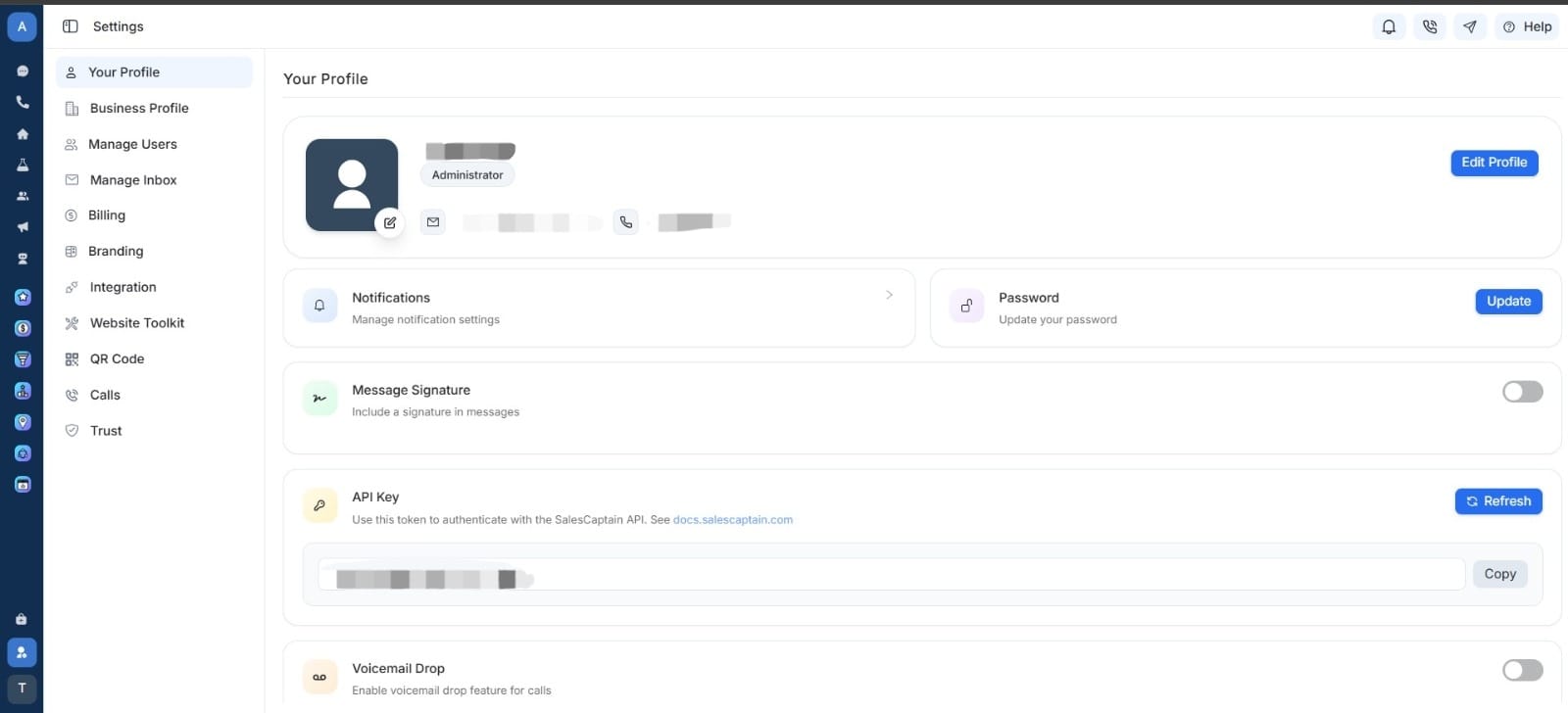
Our APIs are designed for developers to seamlessly access SalesCaptain’s suite of tools, including lead capture, customer communication, analytics, and campaign automation.
Tip: Use this API documentation to explore, test, and integrate SalesCaptain features into your platform efficiently.
There are two primary ways to use our API:
  • OpenAPI Specification — for direct endpoint testing and integration.
  • MDX Components — for interactive documentation and embedded code examples.

Authentication

All API requests to SalesCaptain are authenticated using Bearer tokens.
To access our endpoints:
  1. Generate your API key from your SalesCaptain Developer Dashboard.
  2. Include the token in the header of every request as shown below.
OpenAPI Security Block:
"security": [
  {
    "bearerAuth": []
  }
]
Or, as a raw HTTP header:
Authorization: Bearer YOUR_API_TOKEN

Company Management

The Companies API allows you to fetch all companies linked to the authenticated user. This includes:
  • Company IDs
  • Company names
  • Relationship based on accounts
  • Permission-bound access
You can filter leads by date, status, or source using query parameters.

Endpoints

GET /v1 — Health Check

The Health Check endpoint allows developers and monitoring systems to verify that the SalesCaptain API Documentation Service is running correctly.
It returns the current service version, uptime status, and ensures that the gateway is responsive before making further API calls.
This is especially useful for:
  • Automated monitoring systems
  • CI/CD pipelines
  • Internal dashboards
  • Integration testing

What It Does

  • Confirms that the API is reachable
  • Returns the current API version
  • Helps prevent unnecessary requests if the service is down

Response Example

{
  "message": "SalesCaptain API [Service version - 0.1]"
}

GET /v1/fetch-companies — Fetch Companies

This endpoint retrieves all companies associated with the authenticated user.
SalesCaptain users often manage multiple accounts/locations, and each account is linked to a company.
This API collects all those company records and returns them in a clean, structured format.

What This Endpoint Does

  • Authenticates the request using the user’s Bearer token
  • Identifies which accounts the user belongs to
  • Extracts the company IDs from those accounts
  • Fetches full company details
  • Returns all companies the user has access to

Example Use Cases

  • Building a dashboard showing all organizations the user manages
  • Multi-tenant SaaS applications pulling business profiles
  • CRM systems syncing company metadata
  • Showing users a list of their locations or franchises

Response Example

{
  "message": "Companies fetched successfully!",
  "companies": [
    {
      "company_id": "00000000-0000-0000-0000-000000000000",
      "name": "salescaptain"
    }
  ]
}