

1. From the Unified Inbox
The unified inbox is the easiest place to call someone you’ve already been in touch with.- Navigate to the ‘Inbox’ tab on your sidebar, where you can access the primary unified inbox.
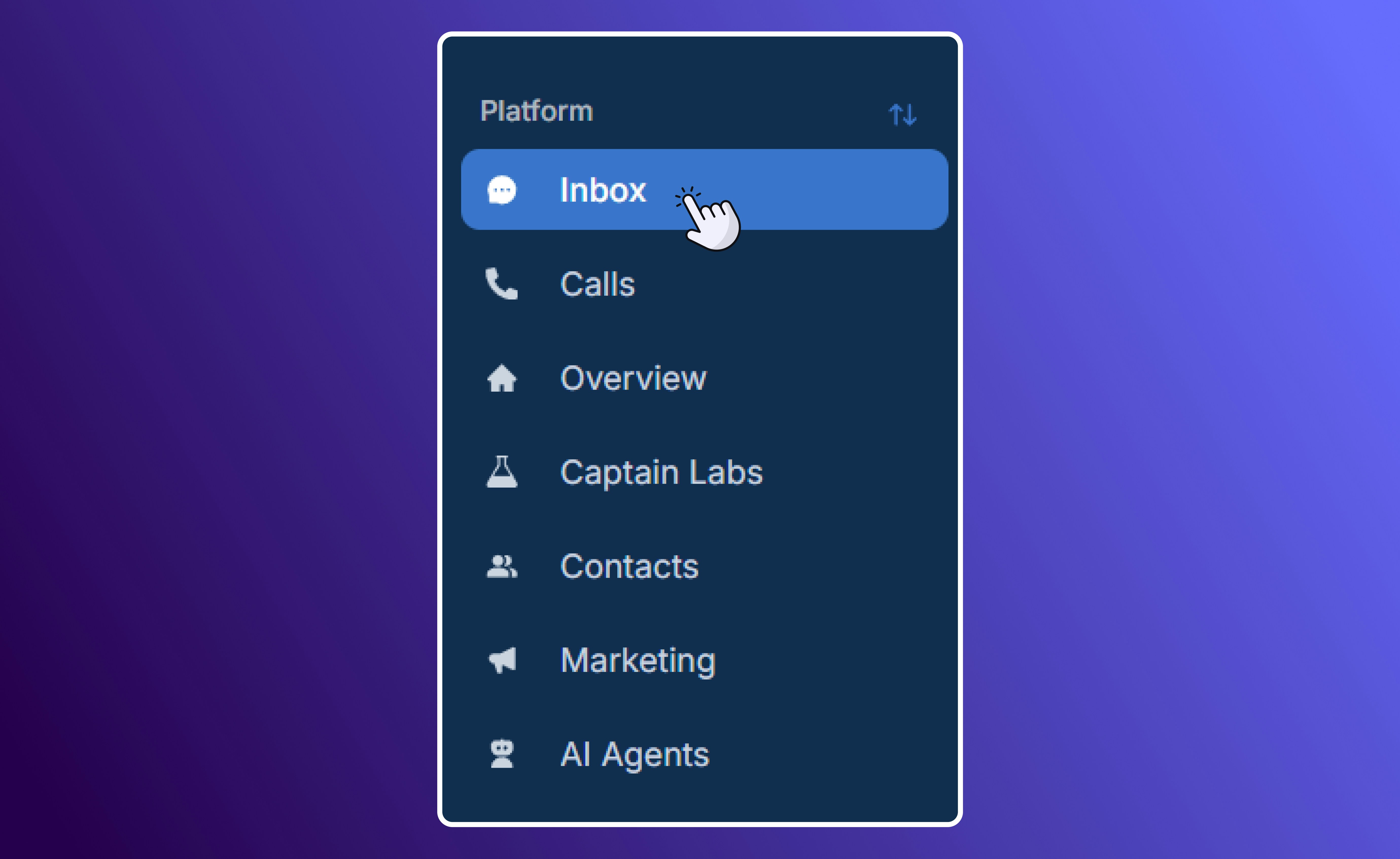
Navigate to the Unified Inbox
- Open any customer conversation to see your full communication history with them (calls, texts, emails, notes).
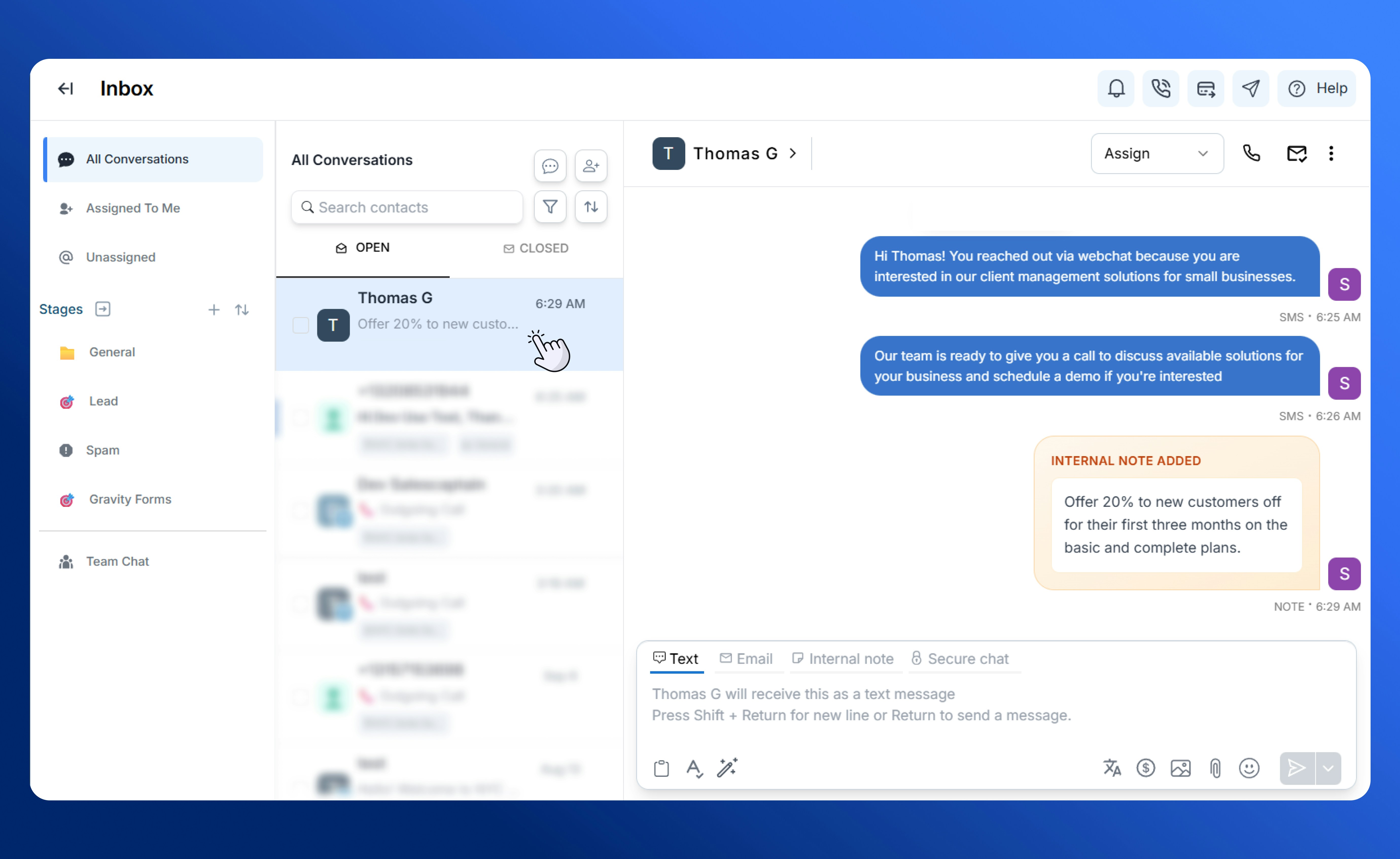
Conversation Overview from the Inbox
- Click the call icon at the top of the thread to start a call immediately.
- Since calls placed here automatically log to the same thread, you never lose context. Every voicemail, transcript, and AI sentiment summary will appear right alongside your past interactions with that customer. These are accessible through the ‘Call Details’ option.
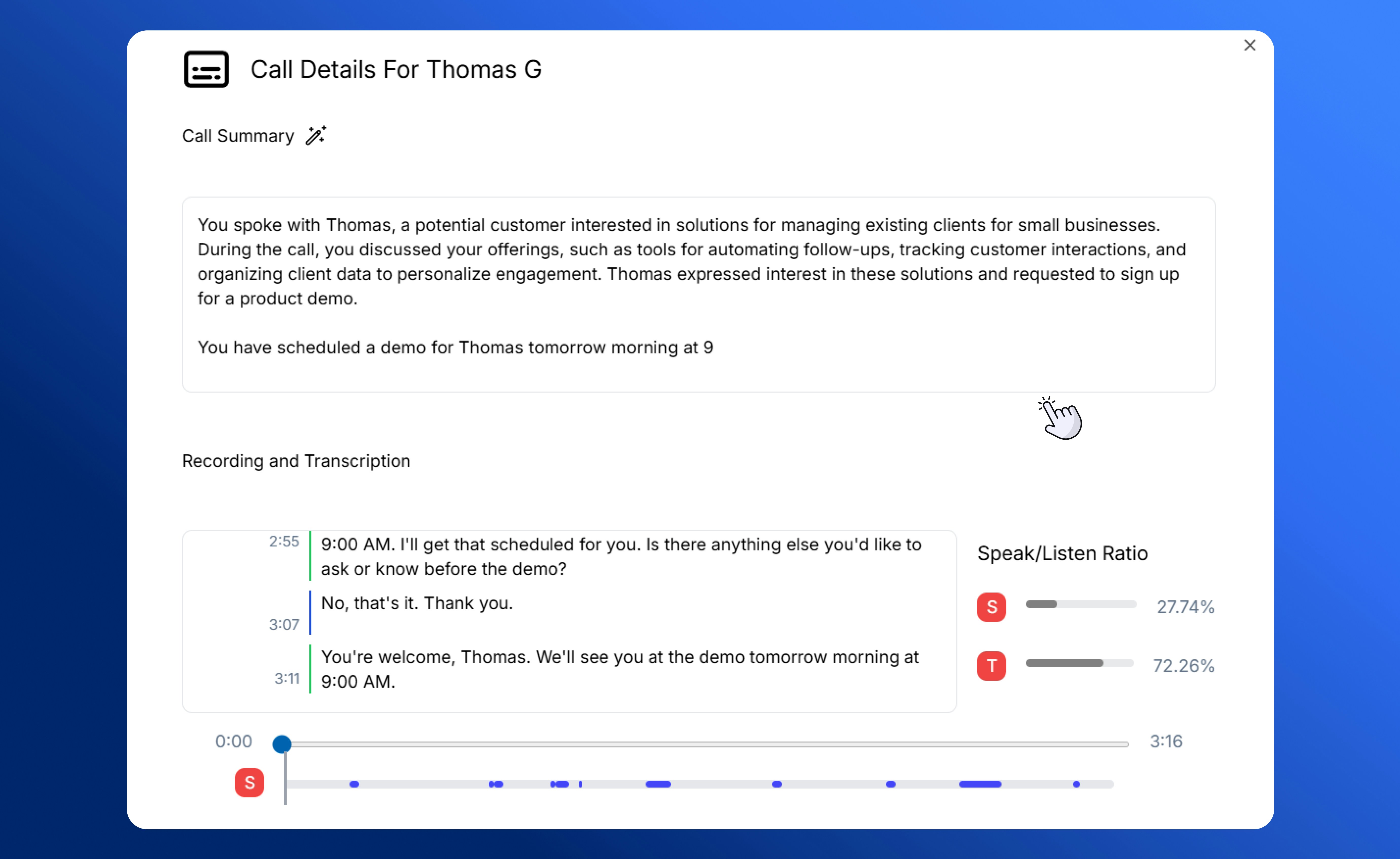
AI Call Summary and Transcription
- This method of making outgoing calls is especially helpful if you’re following up after a message or continuing an ongoing conversation.
2. Using the Call Bar
The call bar is a feature you can access from anywhere in SalesCaptain.- Located at the top of your workspace, the call bar lets you dial out without navigating away from what you’re working on.
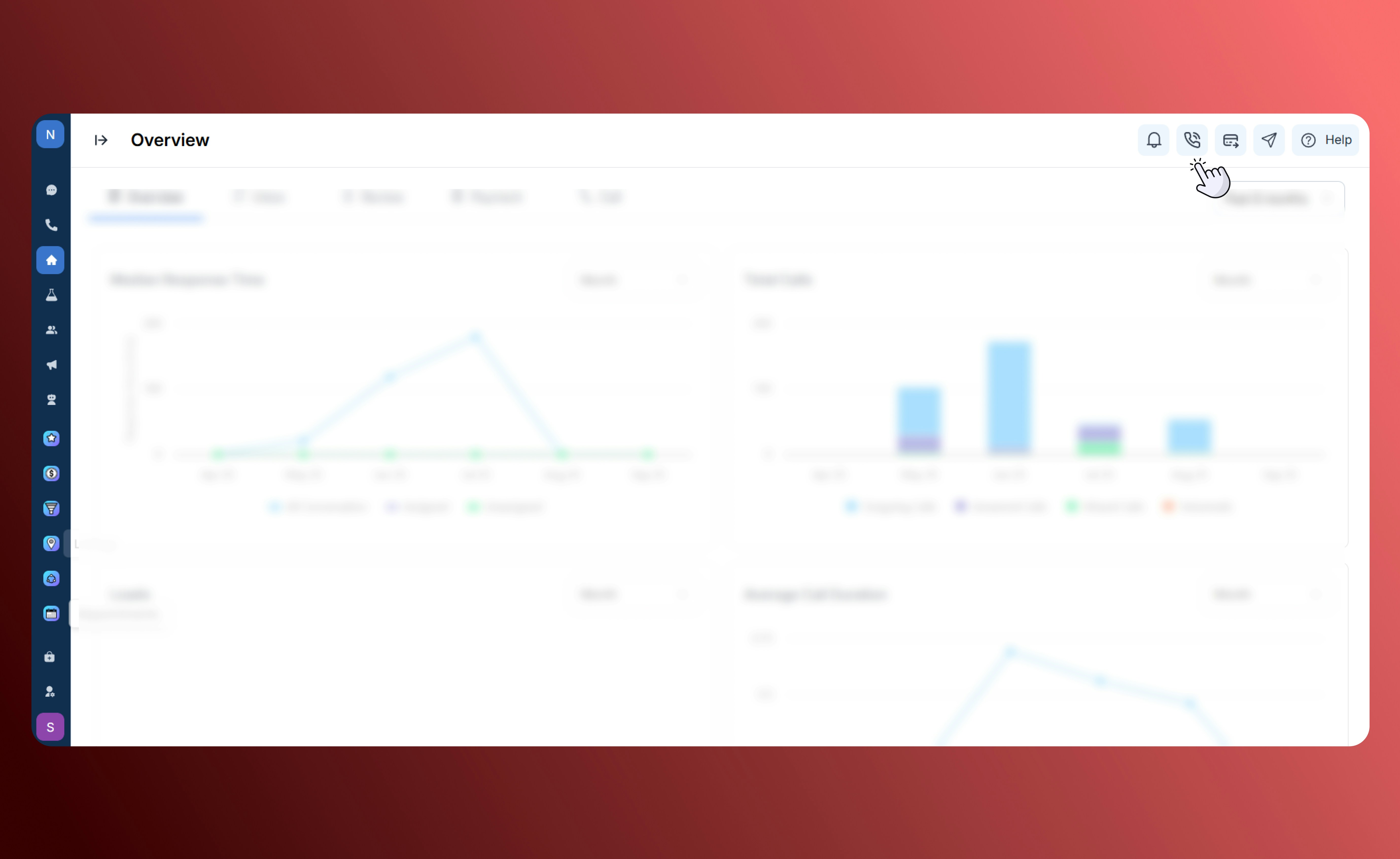
Navigating to the Call Bar
- Simply type in a name (from your contacts) or manually enter a phone number to place the call.
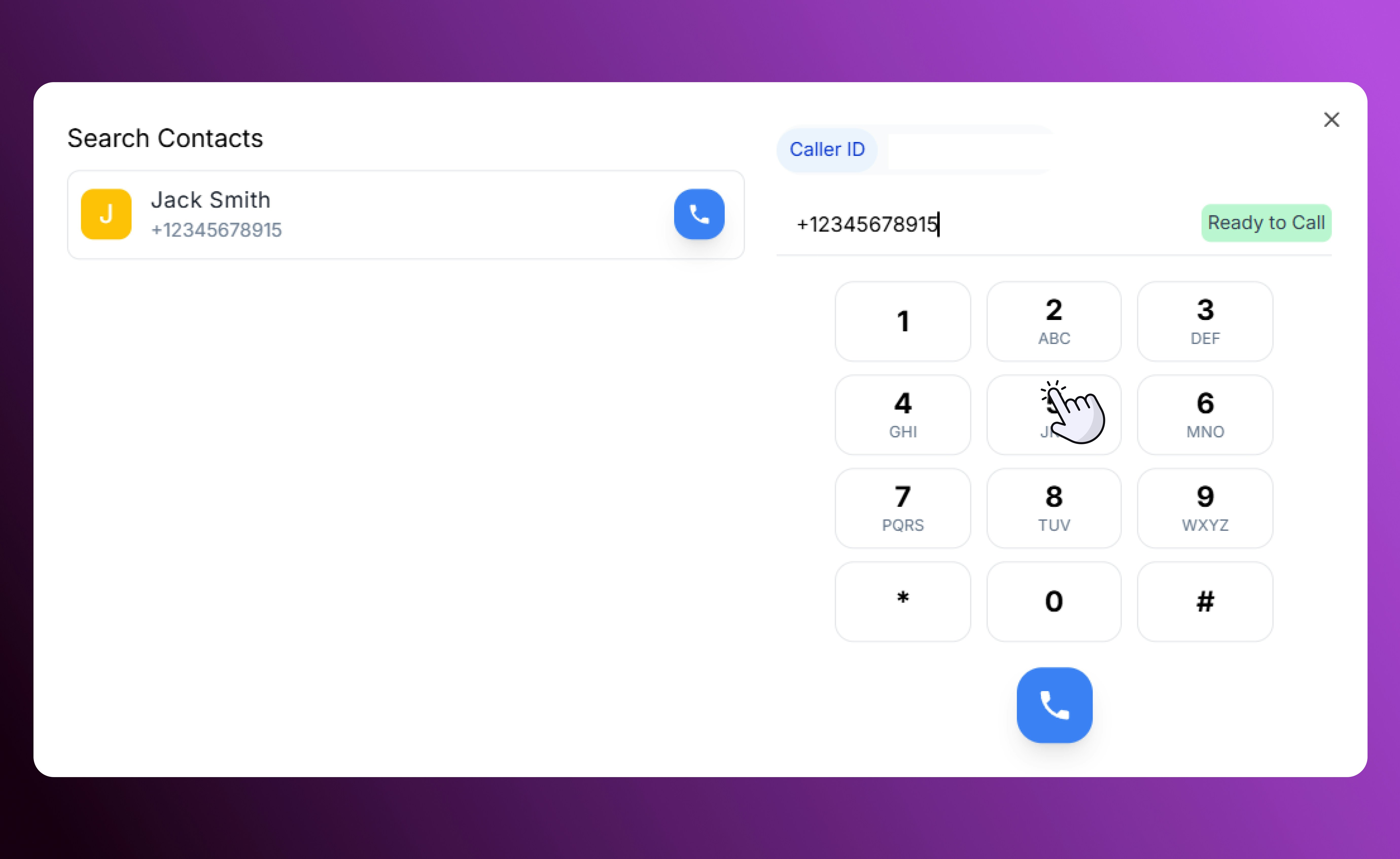
Dialpad View
- This method is ideal when you want to quickly reach a customer who hasn’t messaged you yet, or when you don’t need to open their full conversation thread.
3. Redialing Recent Calls
For contact that you have recently been in touch with, the redial feature makes reconnecting effortless.- Head to the Calls tab on your sidebar, where every outbound and inbound call is logged.
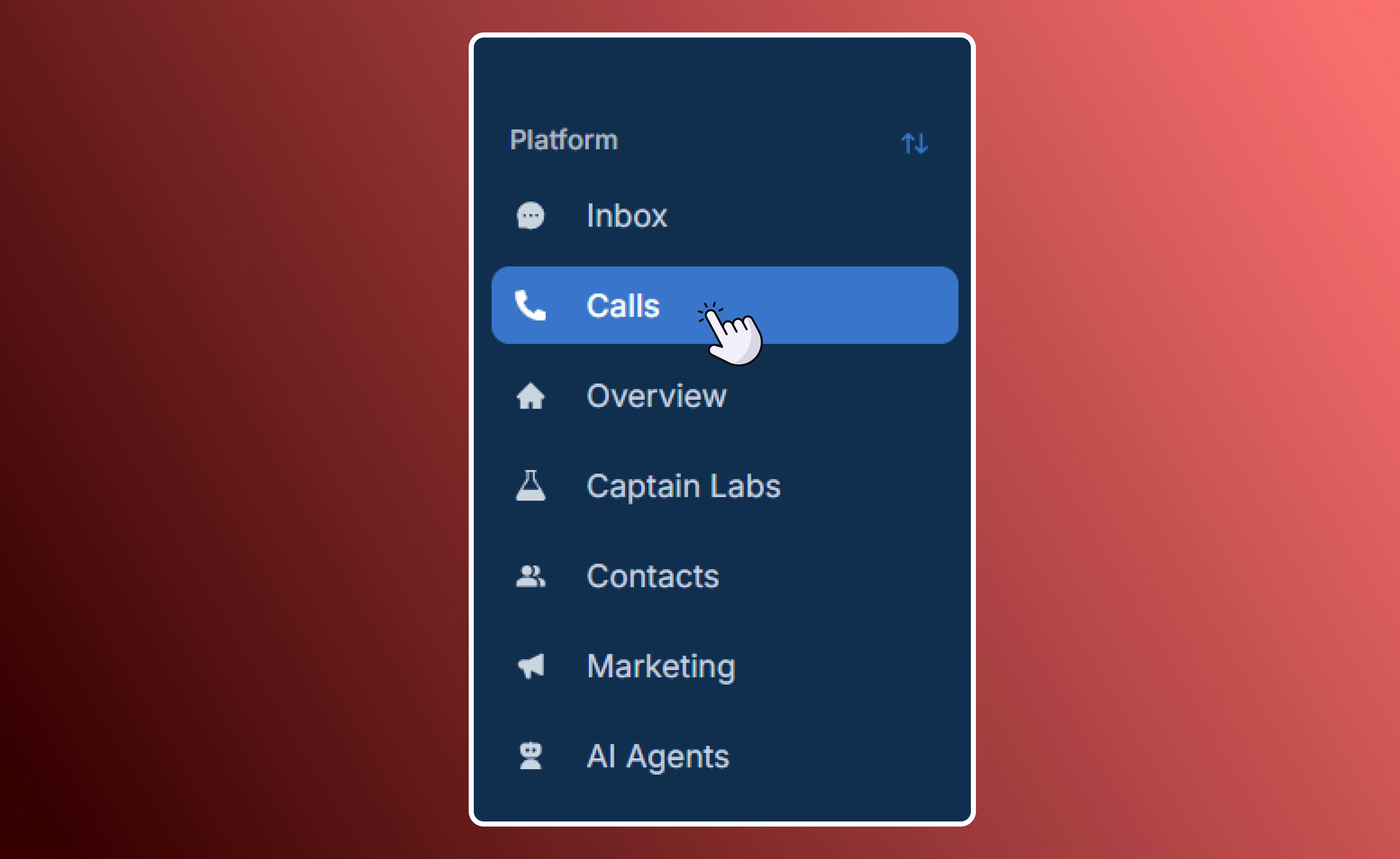
Navigate to Call History
- Select any entry to instantly redial the number without needing to retype or search.
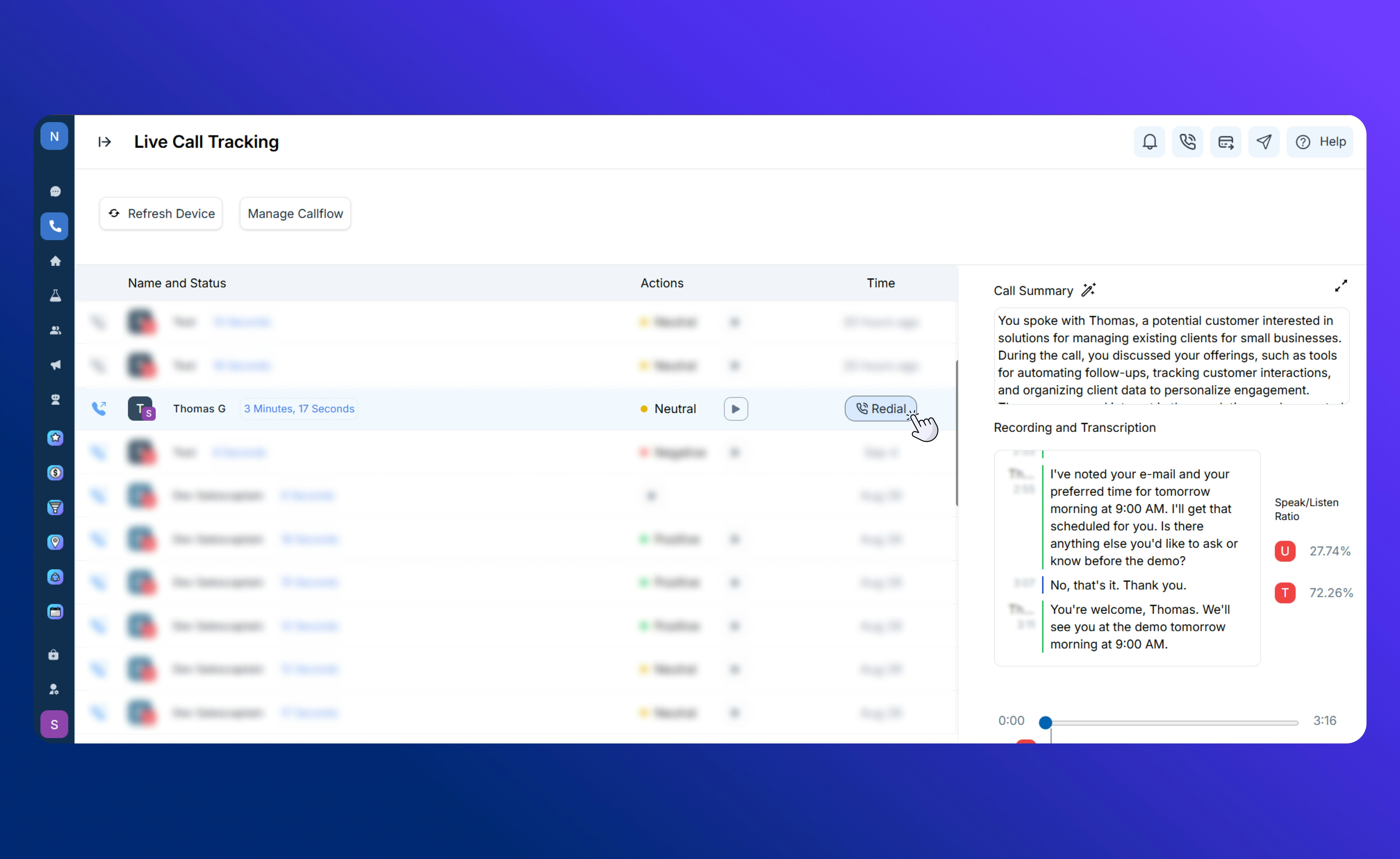
Redialing a recent contact
- Perfect for quick follow-ups, checking back on missed connections, or continuing an earlier conversation.