

Incoming Call Routing
Call Flows let you decide exactly where an incoming call should go. For full setup instructions, check out our Call Flows guide. You can choose from three main routing options:Ring to User
- Send an incoming call directly to a specific team member inside SalesCaptain.
- If they have the desktop or mobile app, they’ll receive calls directed to them in real time.
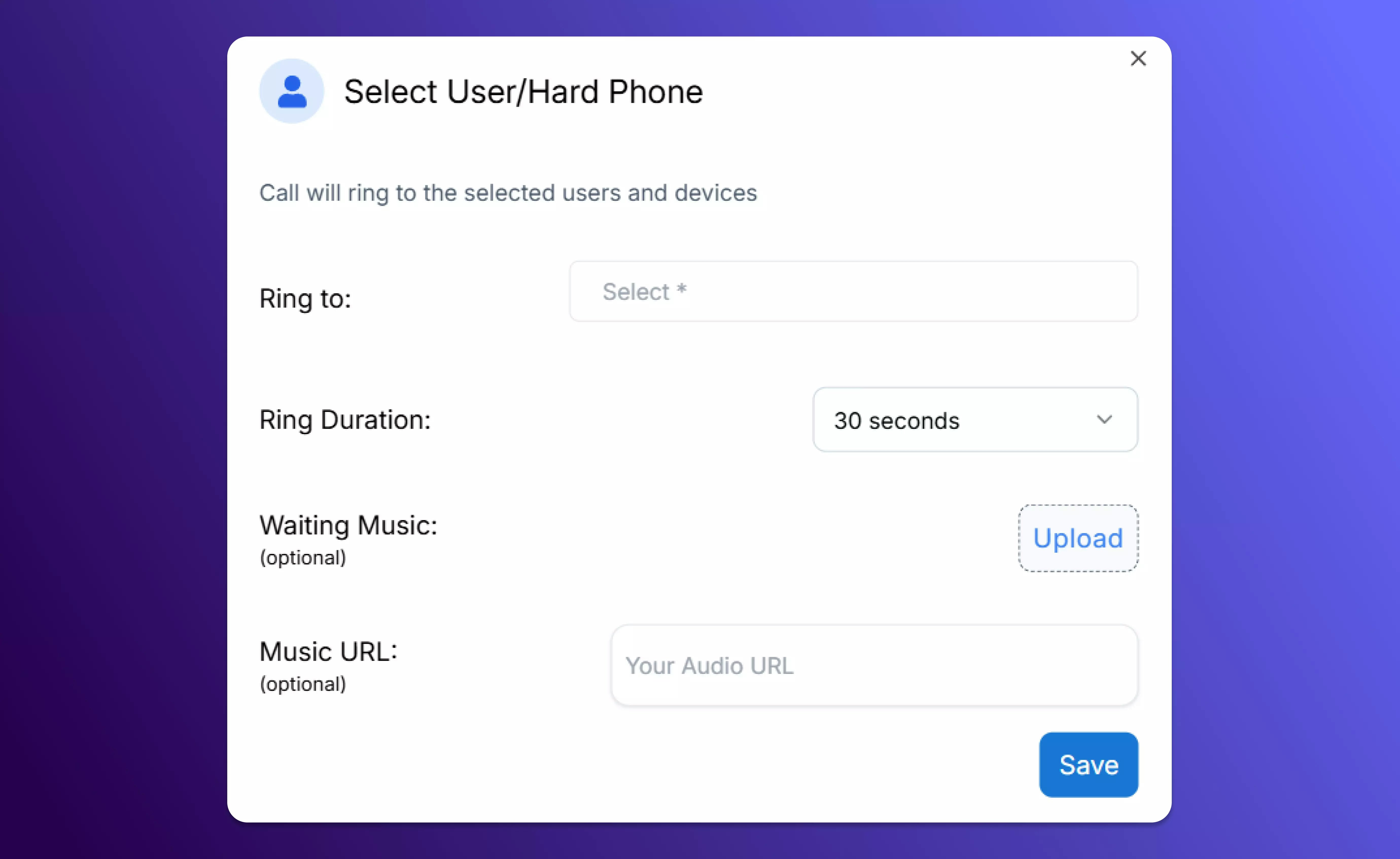
Configure users to receive incoming calls
Ring to Team
- Alert all members of a designated team (such as Sales or Support) at once.
-
Combine this with IVR menus or time rules to ensure new queries reach the right people quickly.
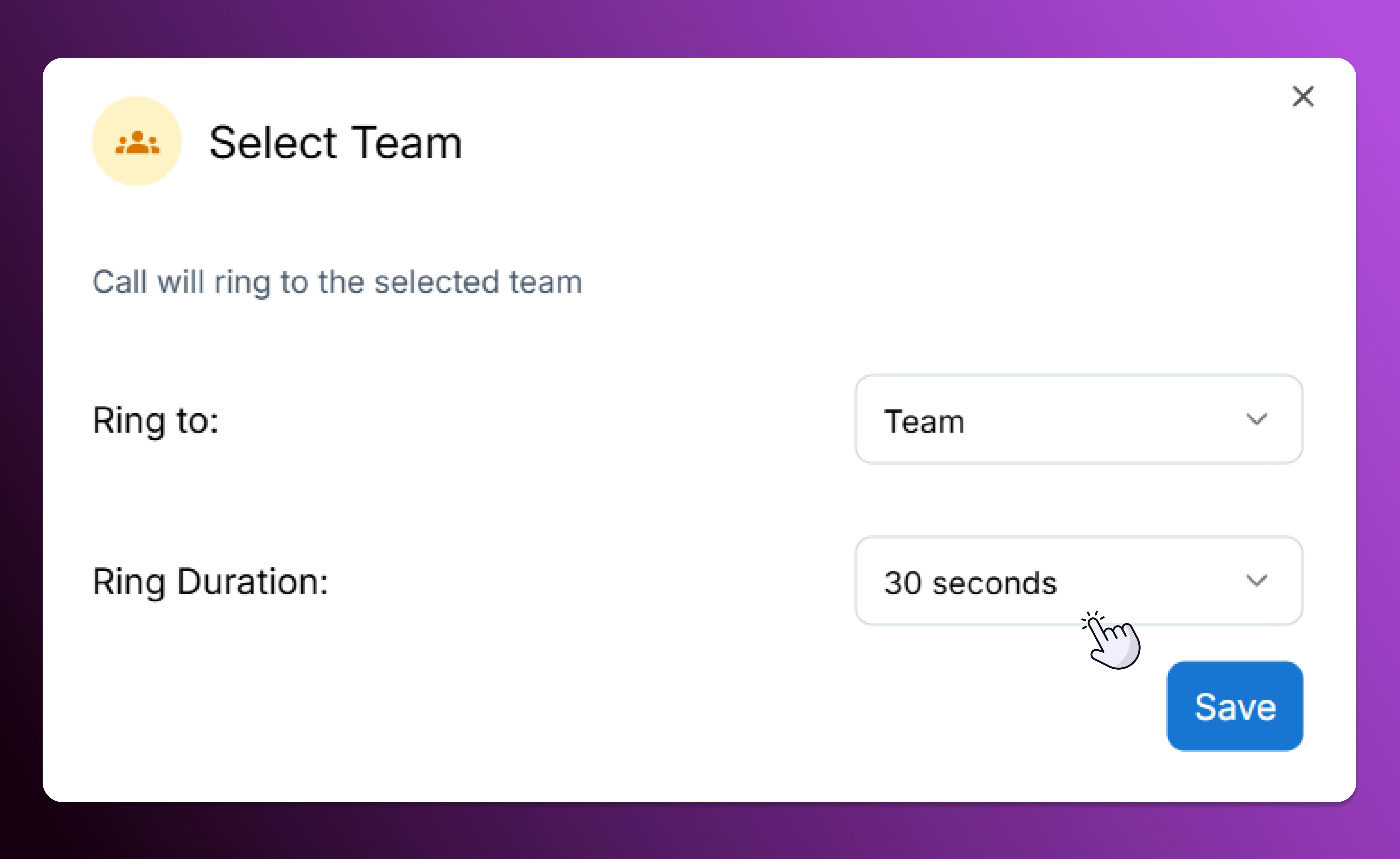
Configure teams to receive incoming calls
Forward
- Transfer an incoming call to any phone number (internal or external). Just enter the number you’d like to ring, even if it’s outside SalesCaptain.
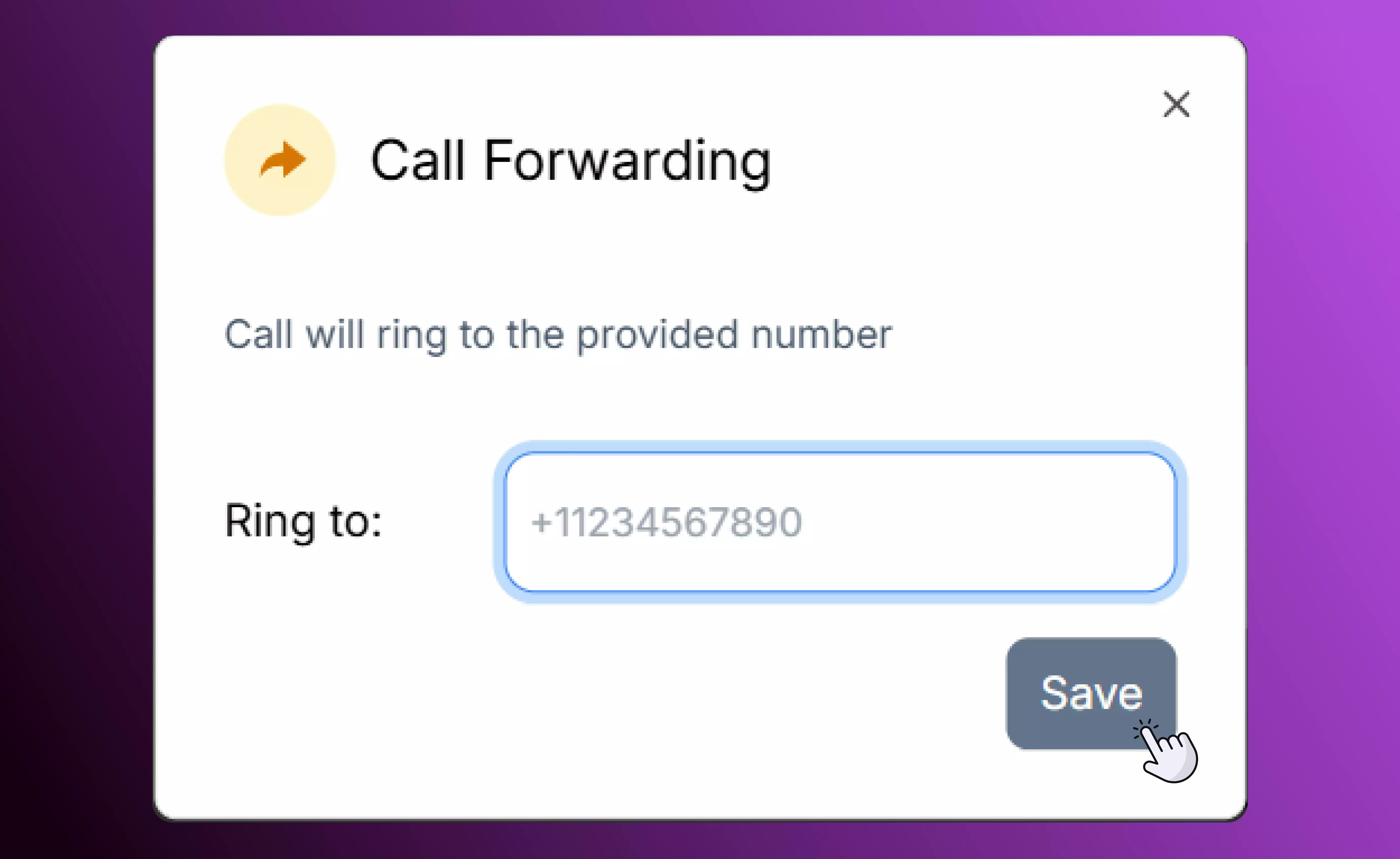
Enter number for call forwarding
Answering Calls
Calls ring simultaneously on all your connected devices.On Desktop or Web
Tap the incoming call notification to accept. Use the transfer icon to send the call to another user, group, or hardphone.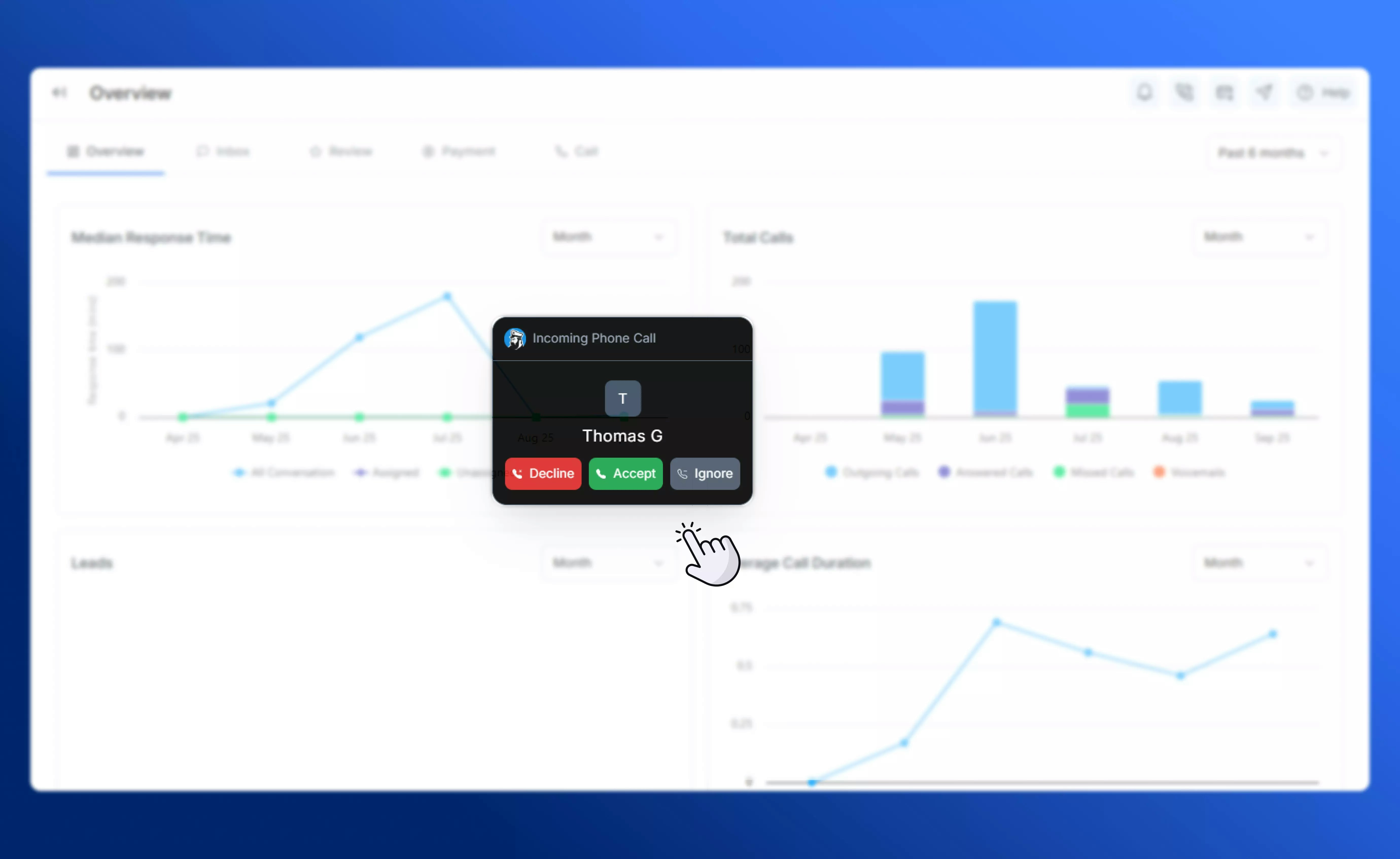
Desktop incoming call notification
On Mobile
Simply tap the incoming call notification to answer, or swipe if your device supports it.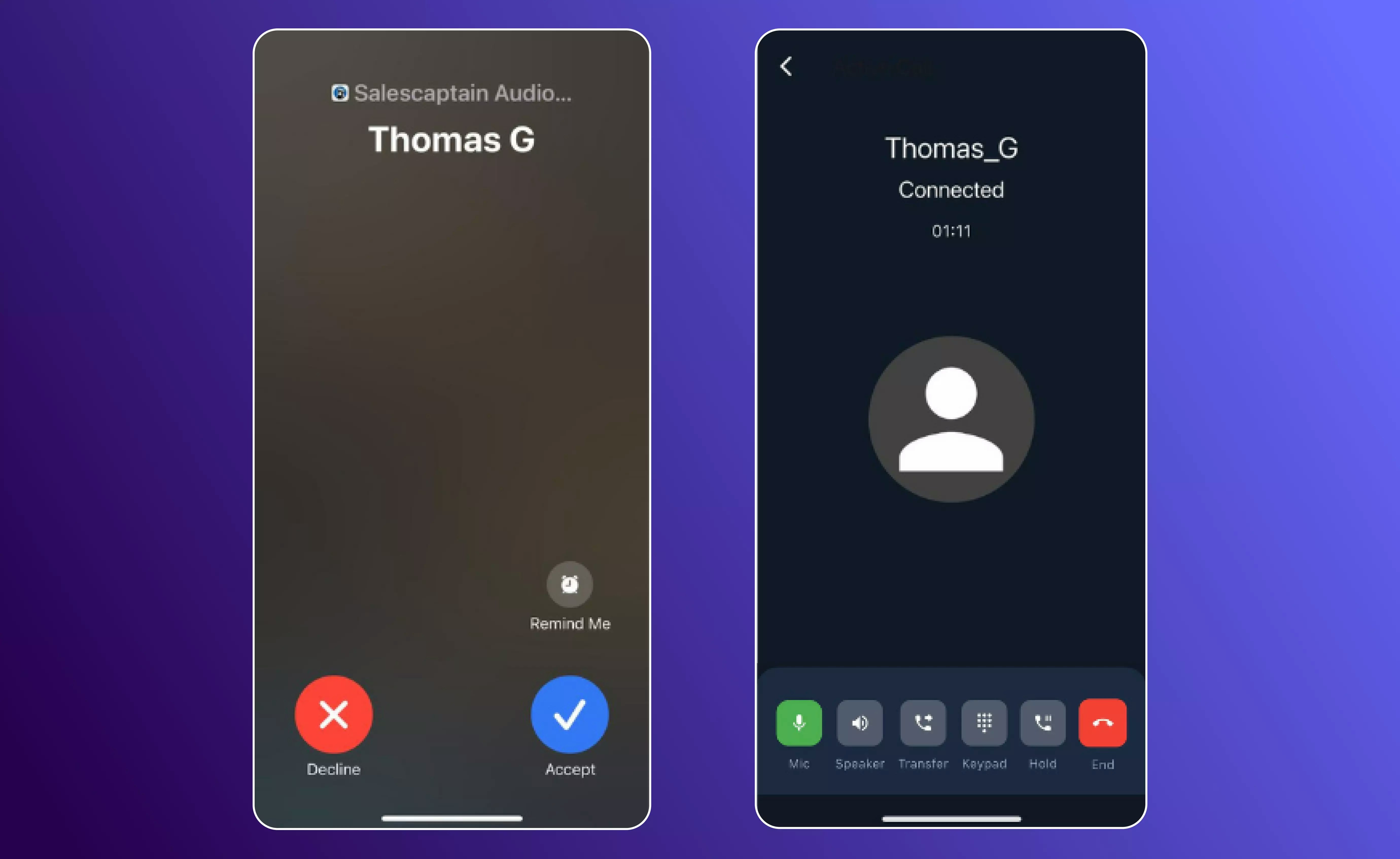
Mobile App Incoming call screen
Call Controls
Once you’re on the line, SalesCaptain gives you full control over the call experience:Hold & Resume
Place participants on hold with a single click and resume when ready. Perfect for checking details or moving between calls.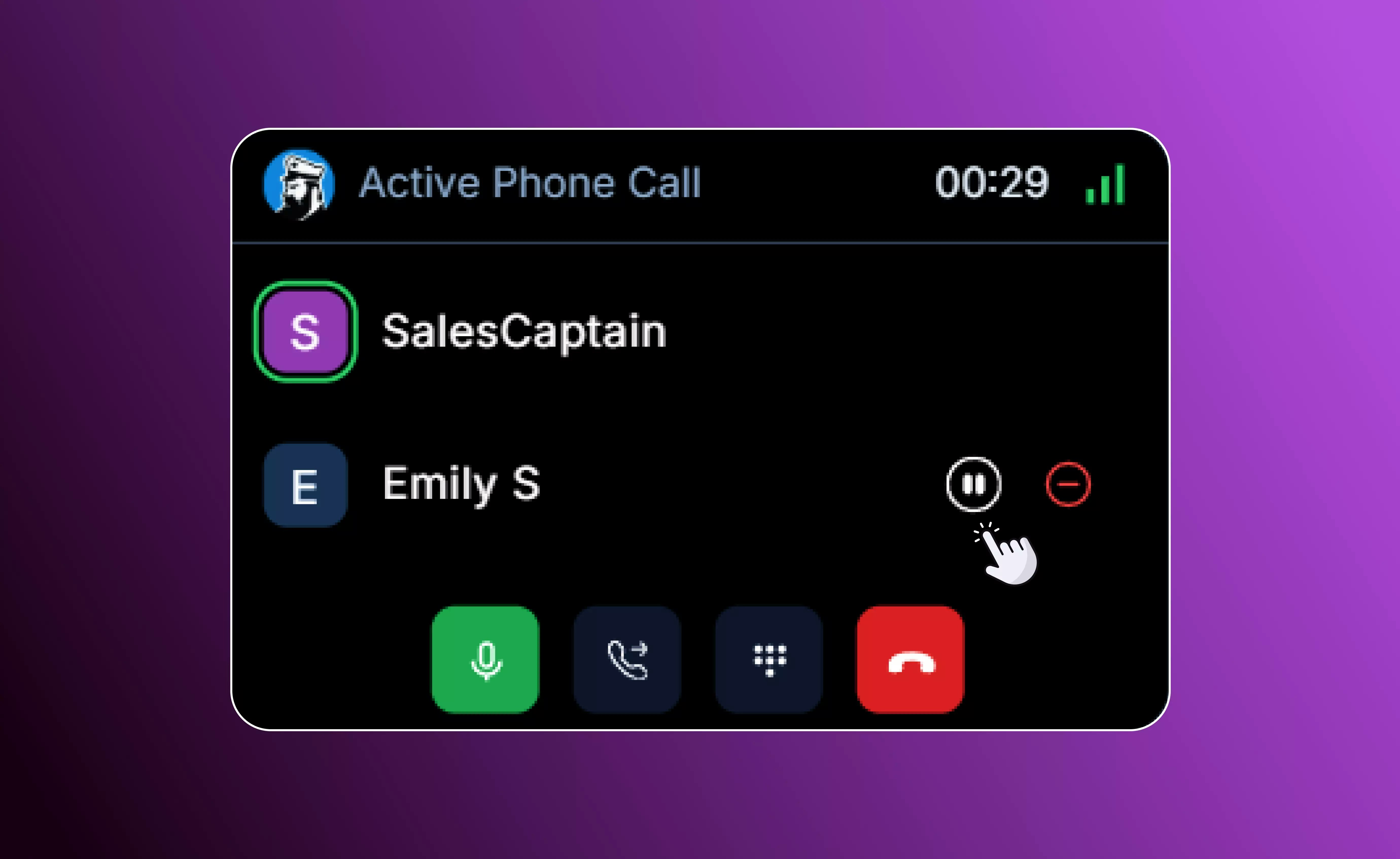
Hold & Resume ongoing calls
Transfer Options
Move the call to another user, hardphone, group, or contact. Choose between a direct transfer (send the call immediately) or a warm transfer (speak to the recipient first).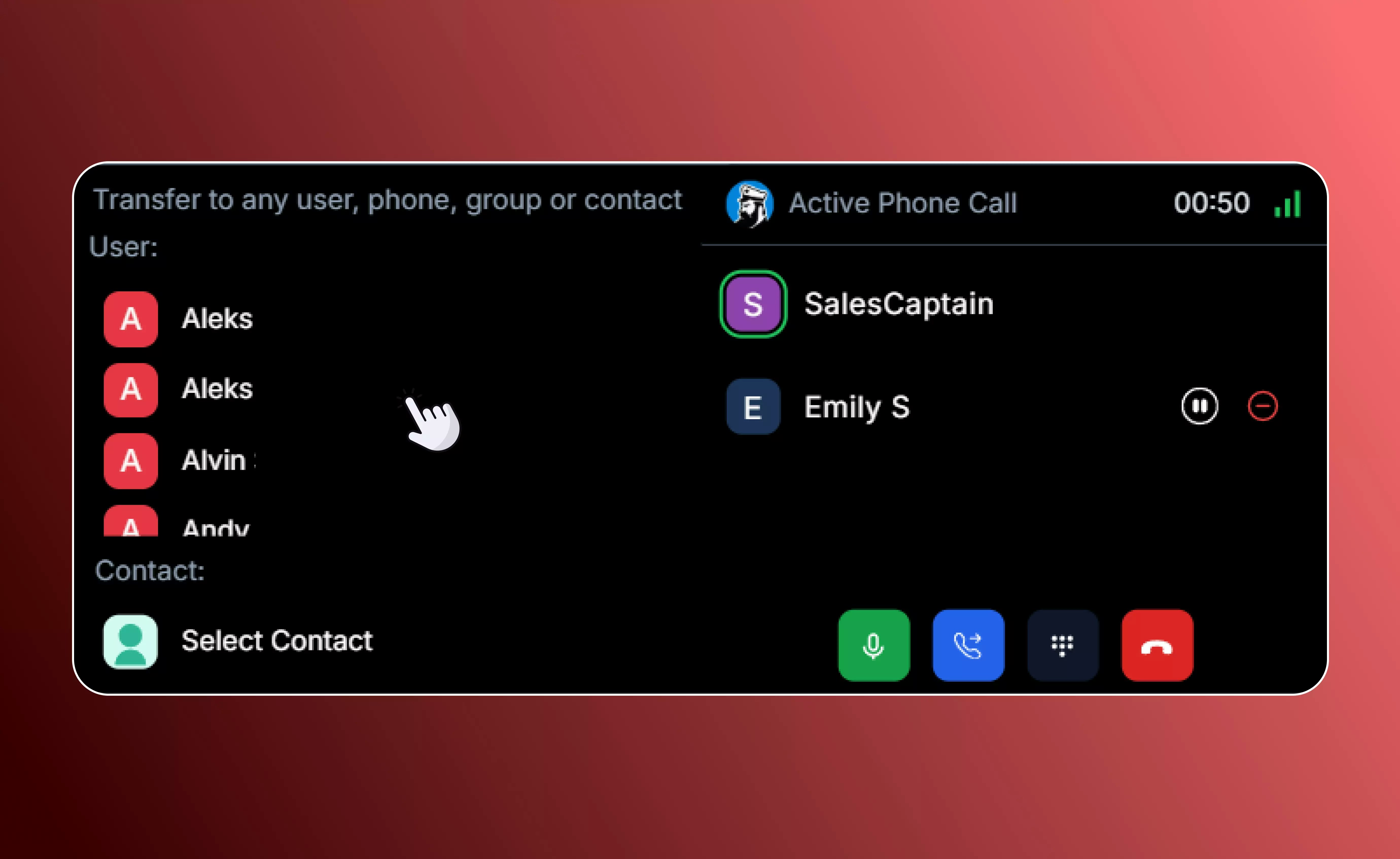
Transfer calls to other users
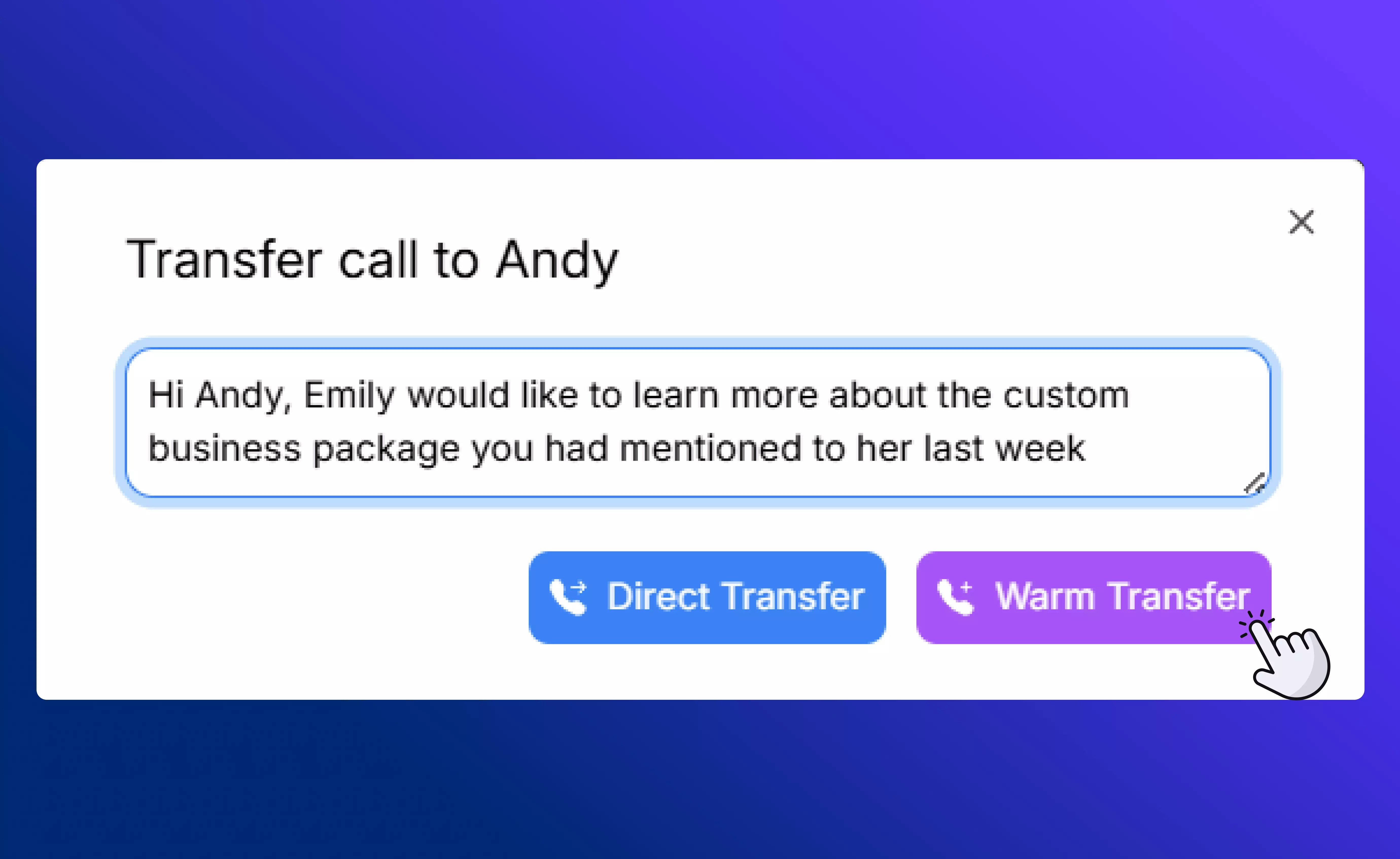
Example call transfer message
Keypad Access
Open the keypad to dial menu options or enter account numbers without leaving the call.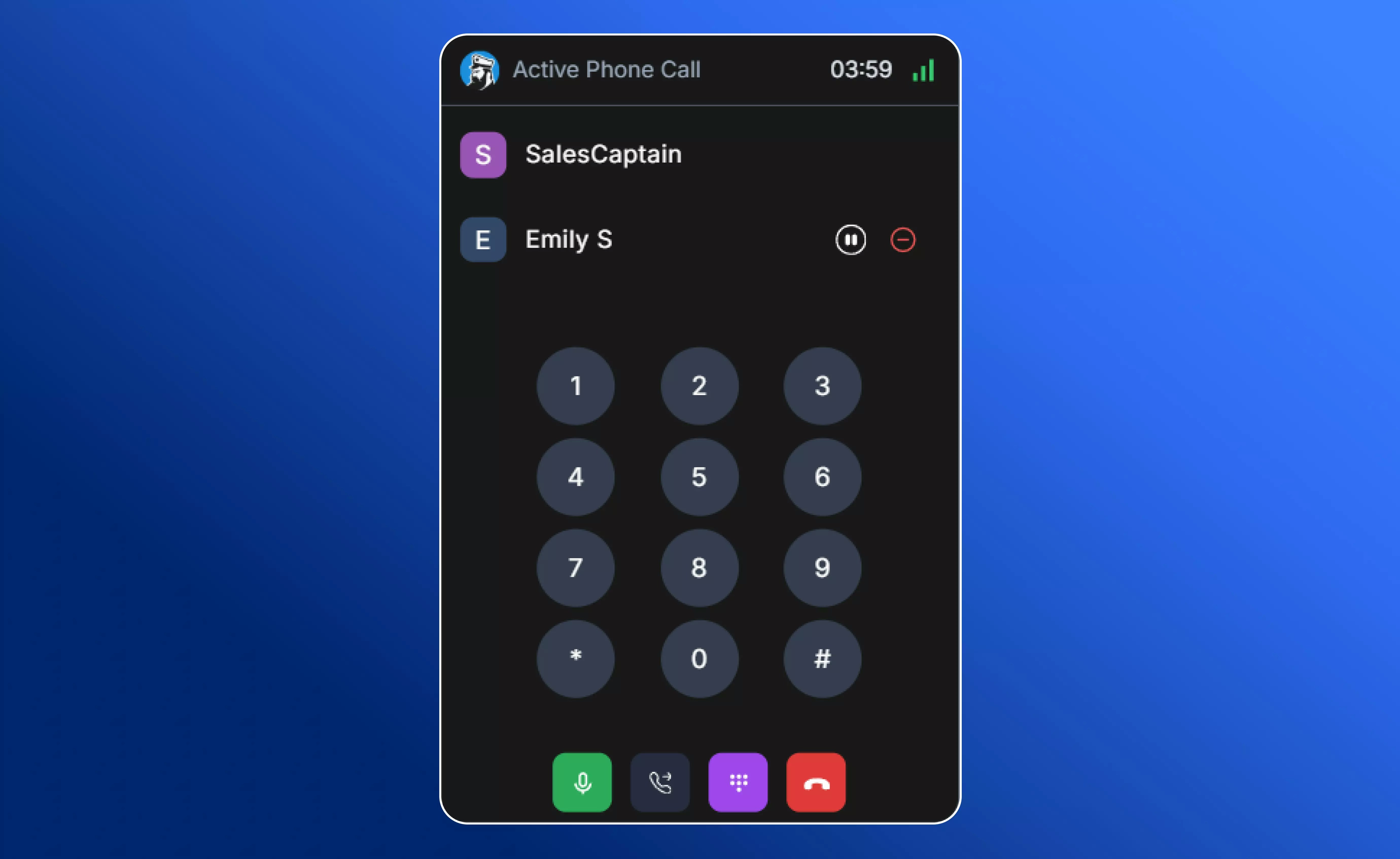
View dialpad during an ongoing call
Coaching & Monitoring
If a teammate is on a call, you can join, coach privately, or monitor with real-time AI transcription — especially useful for onboarding or support escalation. This expanded toolkit ensures you can manage calls seamlessly without juggling multiple apps or devices.If You Miss a Call
Even when you’re unavailable, SalesCaptain keeps you covered:- After-hours routing to voicemail, an AI agent, or another number
- Voicemail-to-text so you can review messages instantly
- AI Phone Agent available 24/7 to answer questions or take bookings
Tip: Set up time-based routing so calls after hours are handled by voicemail or AI, ensuring no lead slips through the cracks.